
Getting Started
Branding & Strategy
Build a strong foundation by defining your audience, choosing a niche, and creating a podcast that reflects your brand and expertise.
Equipment & Software
Select the right microphone, camera, lighting, and recording platform to produce professional-quality episodes without overcomplicating your setup.
Recording & Logistics
Develop an efficient recording and publishing workflow—from guest scheduling and preparation to editing, distribution, and promotion.
Step 01
BRANDING & STRATEGY
Every successful podcast starts with a clear purpose. Define who you're speaking to, what you'll talk about, and how your podcast reflects your personal or business brand.
- Define your target audience
- Choose your niche
- Decide on your format (solo, co-host, or interview)
- Name your podcast
- Design your cover art
- Choose intro & outro music
Step 02
EQUIPMENT & SOFTWARE
You don't need the most expensive gear—just reliable equipment that produces professional-quality audio and video.
- Camera
- Microphone
- Lighting
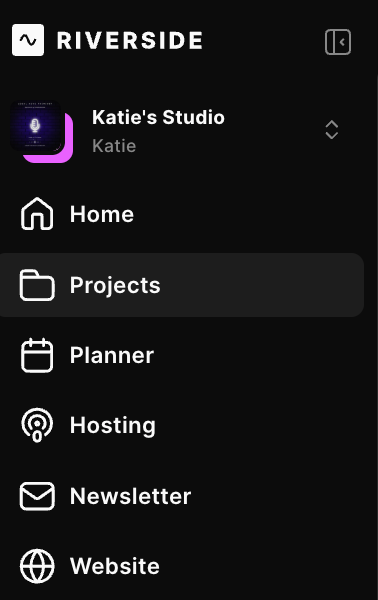
- Recording platform (Riverside, Zoom)
- Editing software (Premiere Pro, Descript, Final Cut, etc.)
- Build a simple, reliable setup
Step 03
RECORDING & LOGISTICS
A smooth workflow helps every recording feel more professional and keeps you focused on the conversation instead of the technology.
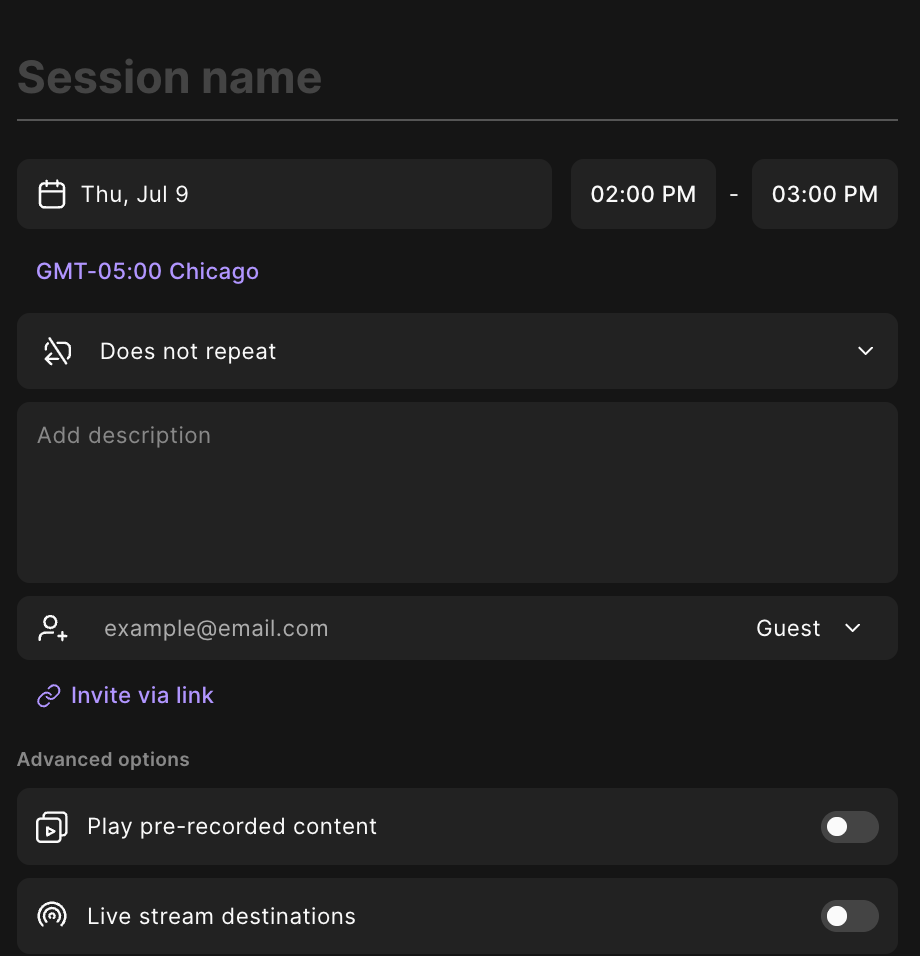
- Schedule and prepare your guests
- Create an episode outline
- Set up your recording environment
- Test your equipment beforehand
- Record and back up your files
- Stay organized with episode assets

Step 04
EDITING
Editing is where your episode comes to life. Remove distractions, improve pacing, and polish the experience for your listeners.
- Clean up audio & remove filler words
- Add intros, outros, and transitions
- Color correct video & quality if needed
- Create captions & gather supporting links
- Design episode thumbnails
Step 05
PUBLISHING
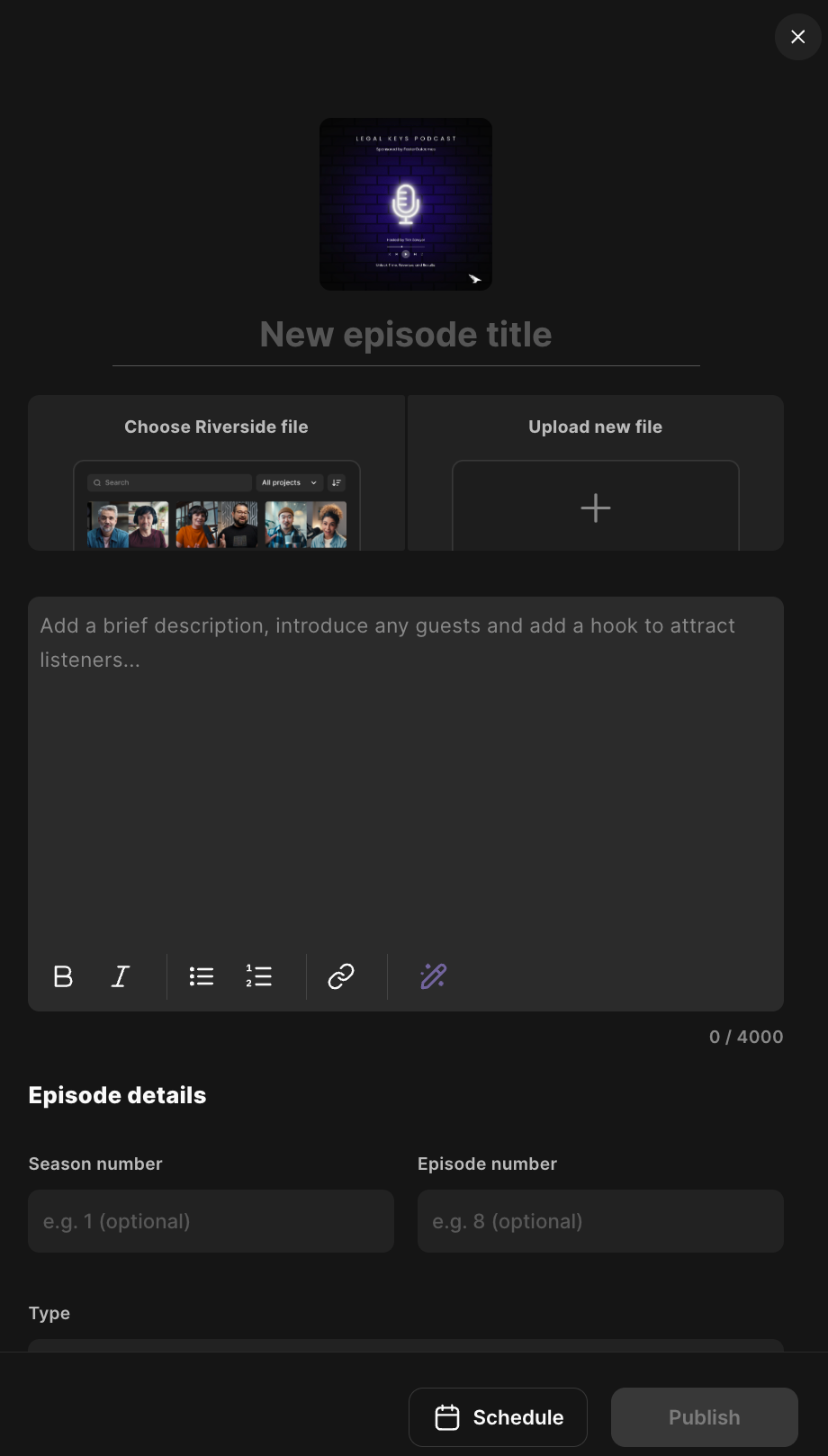
Once your episode is finished, optimize it so listeners can easily find it across every major podcast platform.
- Upload your episode
- Set up your RSS feed
- Publish to Spotify, Apple Podcasts & YouTube
- Optimize titles and descriptions
- Add keywords and episode artwork
- Schedule future releases
Step 06
PROMOTIONAL & GROWTH
Publishing is only the beginning. Consistently promoting your content is what helps your audience and your podcast grow.
- Create short-form clips & reels
- Share on social media
- Send an email newsletter
- Repurpose episodes into blog posts
- Collaborate with other creators
- Track performance and improve over time